Architecture students spend years learning to read construction through flat drawings and photographs, yet those abstractions rarely click until they visit an actual construction site. Site visits, however, are logistically difficult to coordinate year over year due to liability constraints and limited access windows. Augmented Tectonics bridges that gap by placing students inside fully realized, 1:1 scale construction environments in VR, allowing them to walk through material assemblies, trigger process animations, and complete interactive knowledge challenges that reinforce lecture content before and after physical site visits.
All Projects
Augmented
Tectonics VR
Overview
The Purpose
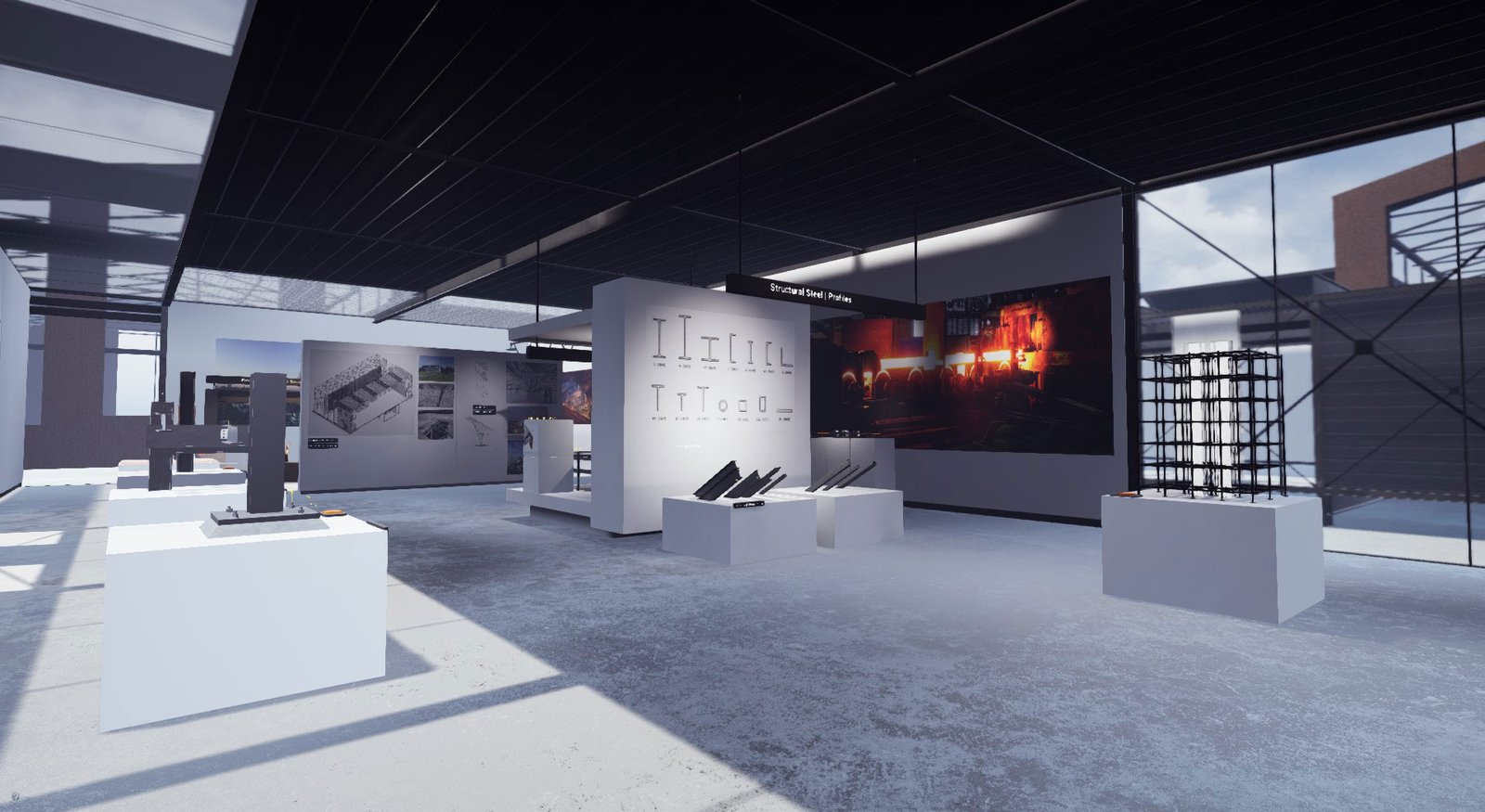
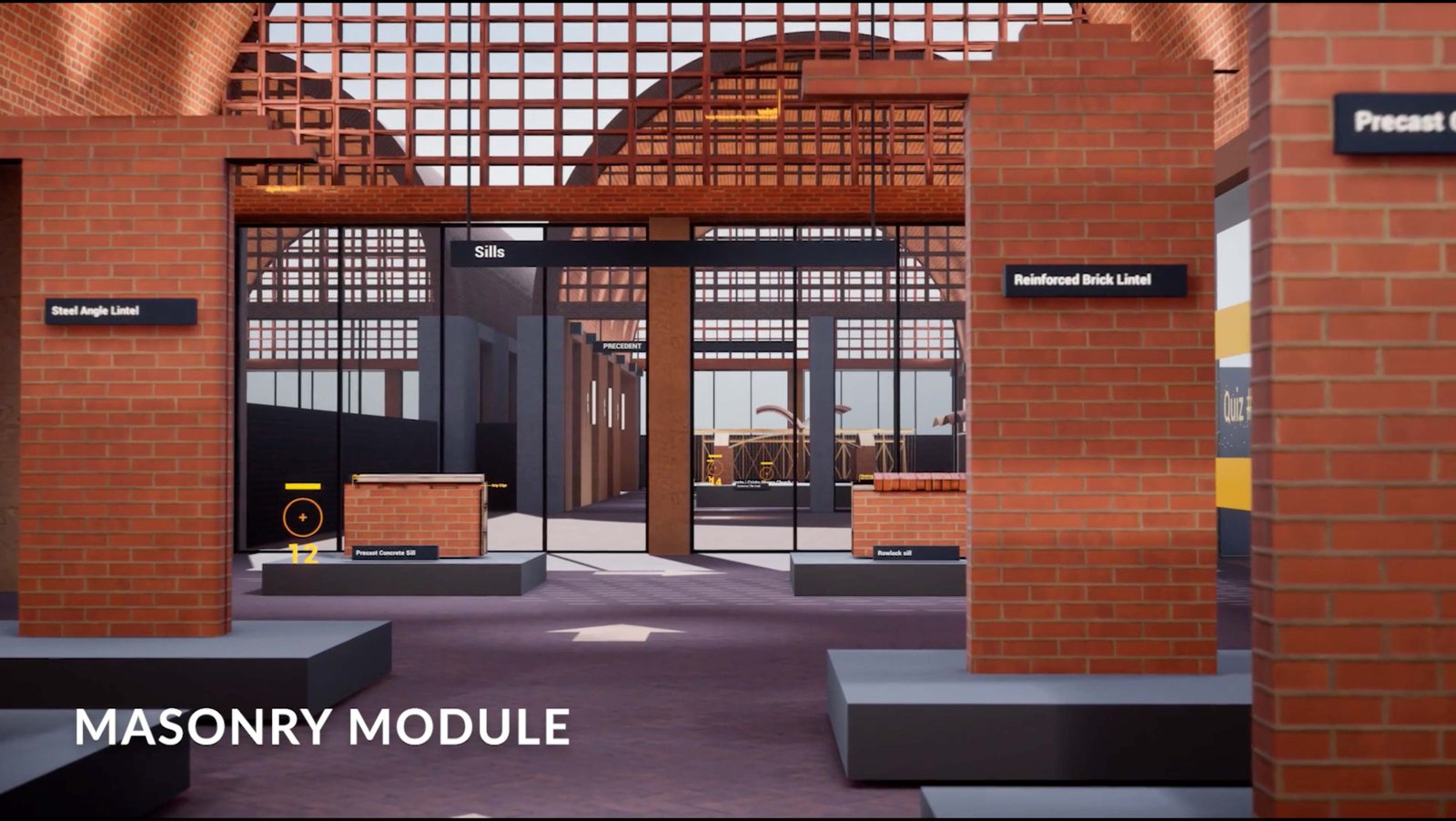
Built for the A317-417 Construction Architecture course at the Taubman College of Architecture and Urban Planning at the University of Michigan, the experience serves approximately 100 undergraduate and graduate students each year across four core material modules: Metals, Concrete, Wood, and Masonry.
"Immersive VR learning environment, bringing architecture construction to life for 100+ students annually at the University of Michigan."
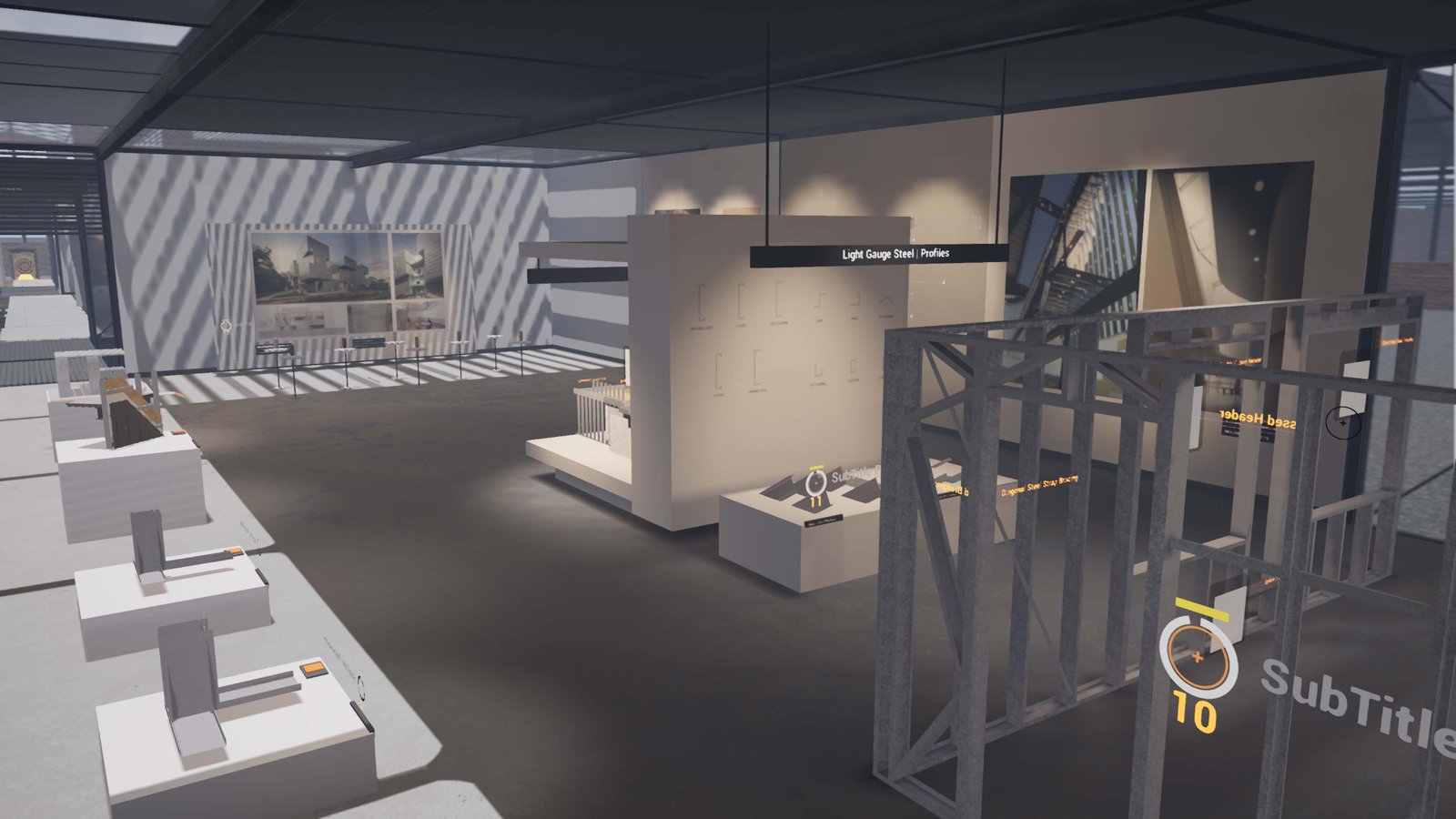
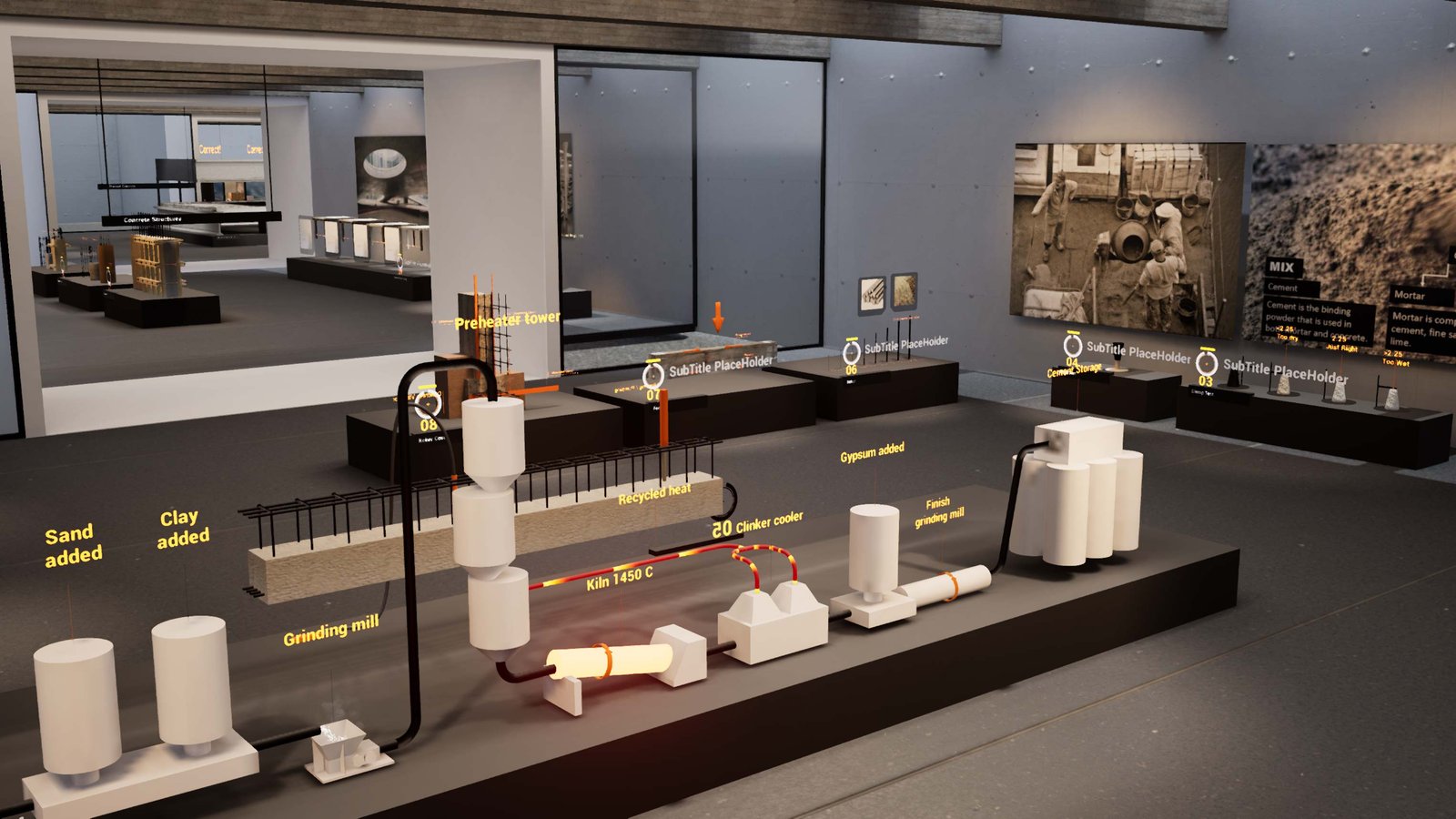
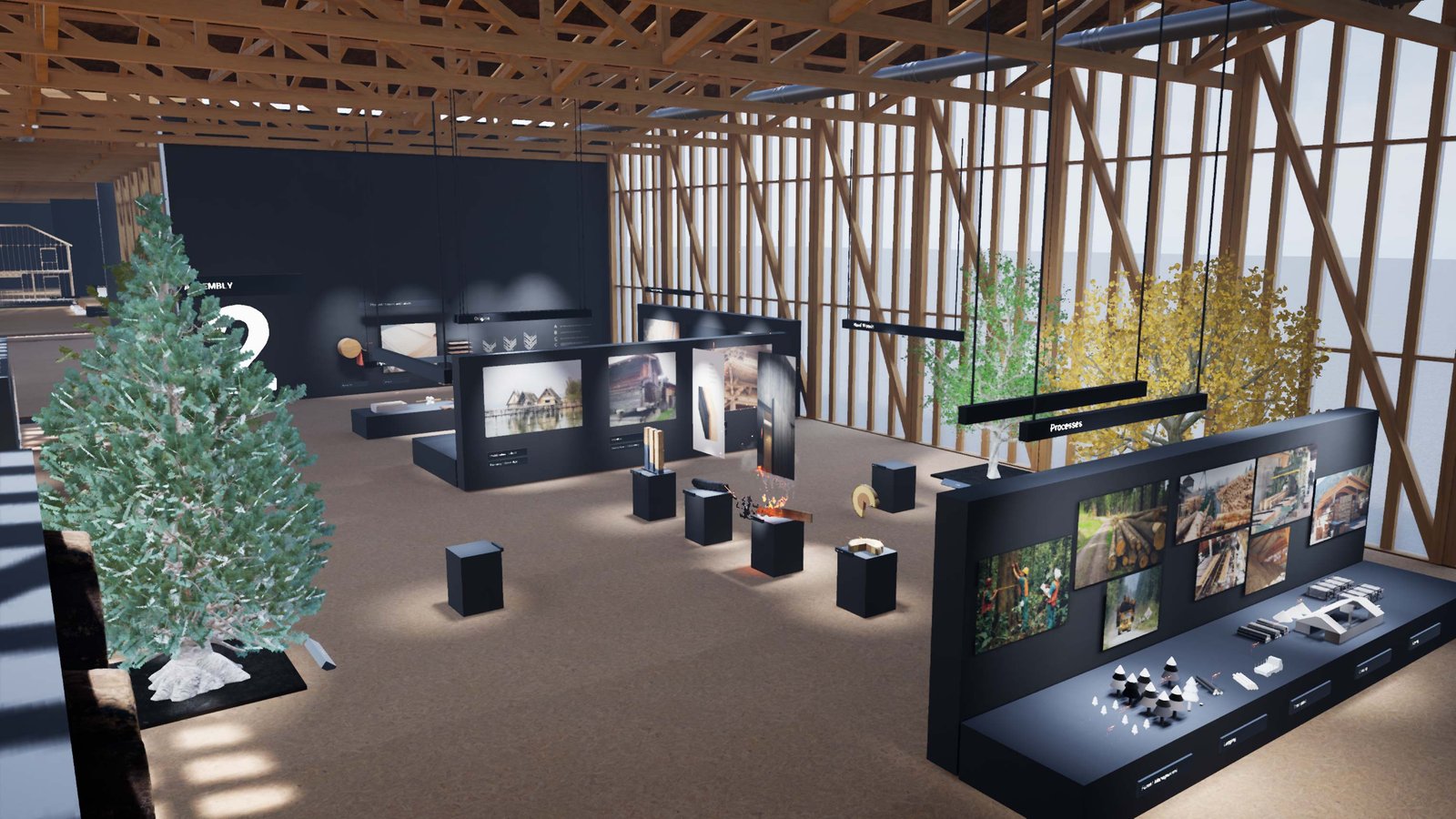
Four Core Material Modules
The Process
My Role and Contributions
I was one of two developers on the XR team at the Center for Academic Innovation responsible for the full technical development of this experience. My contributions spanned VR interaction architecture, Blueprint system design, reusable component development, custom material creation, quiz and challenge framework design, tutorial system development, and Virtual Production adaptation. I worked in close collaboration with the faculty content team and served as the bridge between pedagogical goals and technical implementation throughout the project lifecycle.
Design Philosophy and Approach
The guiding principle was that the technology should never upstage the learning. Every interaction, navigation choice, and UI element was designed to minimize cognitive friction so students could focus on the construction concepts rather than figuring out how to operate the experience. I advocated for reusable, configurable systems rather than bespoke one-off builds, which both accelerated development across modules and empowered the faculty to author content independently without writing code.
Technical Implementation
The experience was developed in Unreal Engine 4.27 targeting the Oculus Rift S and Meta Quest headsets (tethered via Oculus Link). The entire interaction layer was built using Unreal's Blueprint visual scripting system, leveraging a range of constructs including Blueprint Libraries, Interfaces, Components, Actors, Blueprint Widgets, Enums, and Structs.
Key systems I designed and built include:
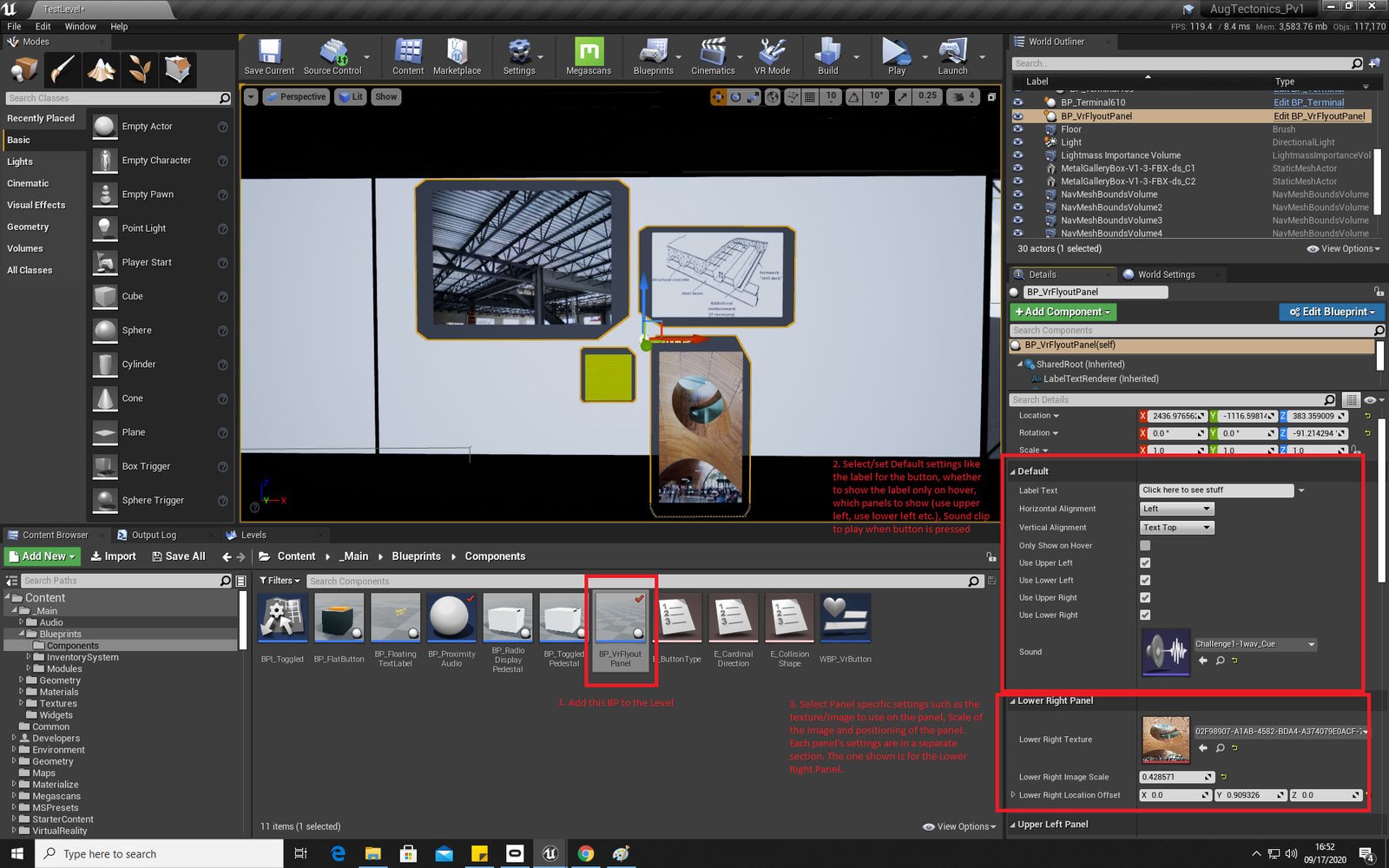
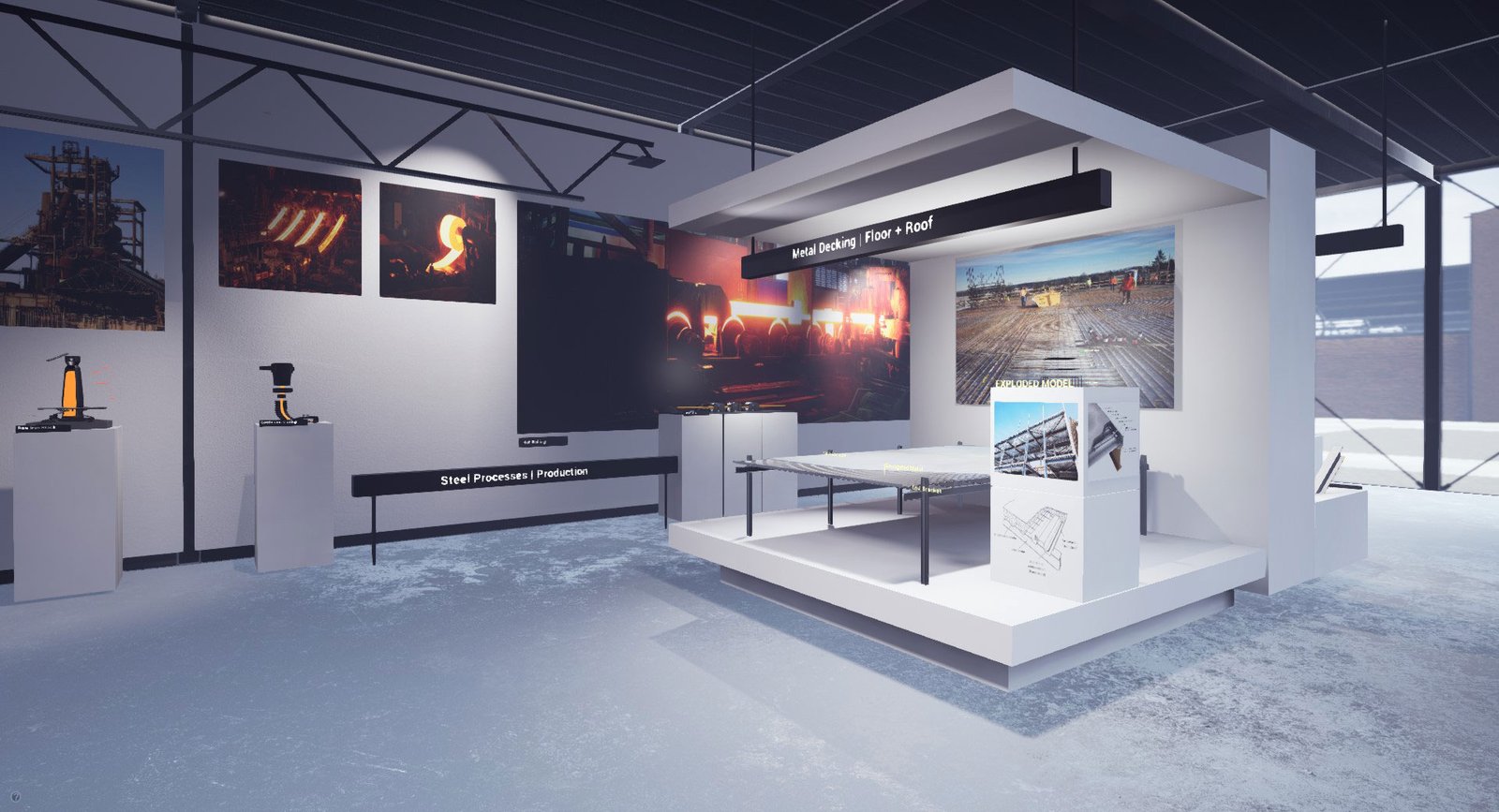
Flyout Information Panel System
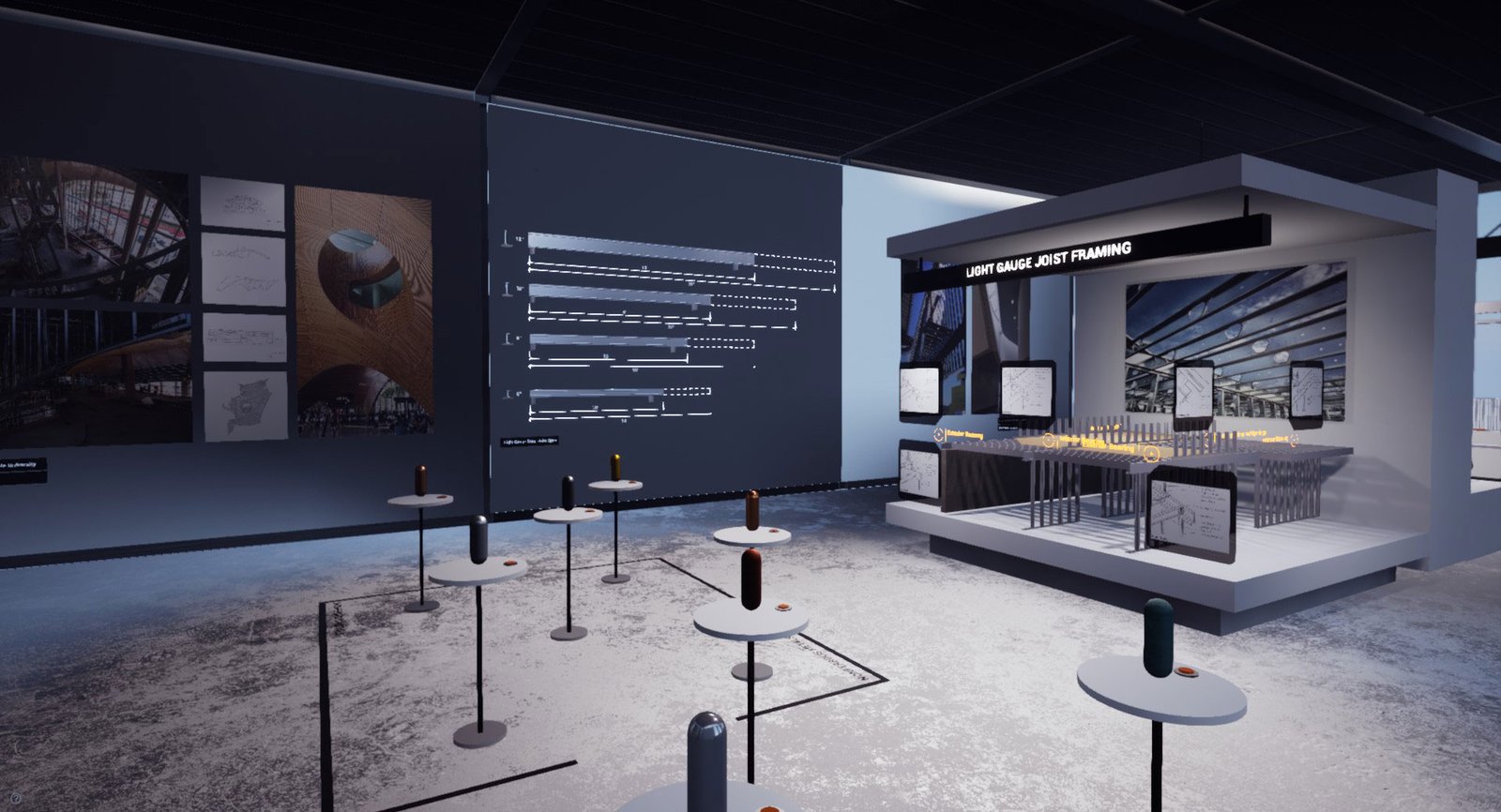
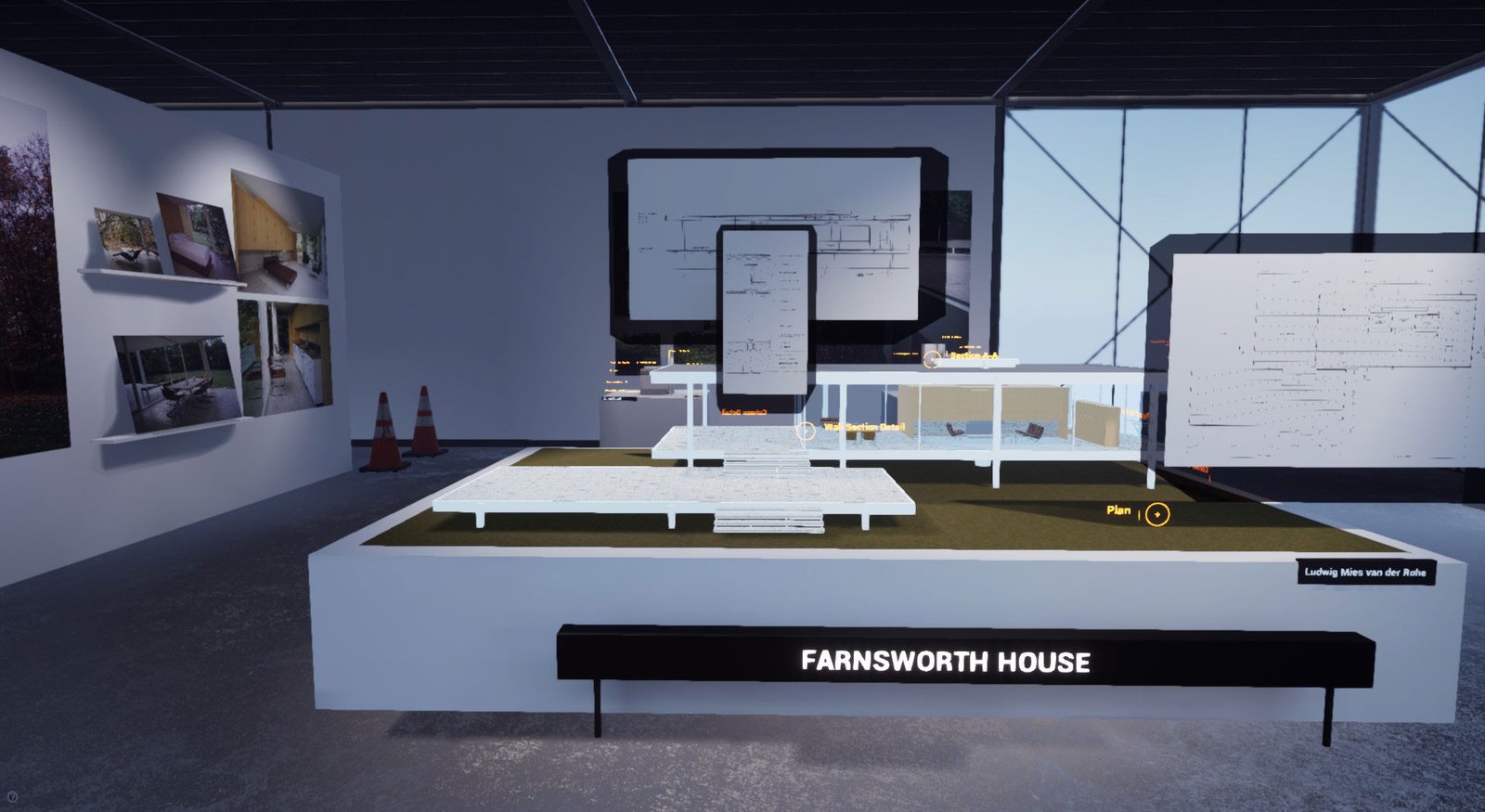
A fully configurable point-and-click panel component that faculty could drop into any scene. Configurable options included alignment, placement position, up to four image slots, and audio file assignment. This allowed the faculty to build and populate the museum-style pedestal areas without requiring developer assistance.
Threshold Quiz Framework
A data-driven quiz system supporting multiple question types, all configurable through Blueprint data assets:
🧱 Multiple choice questions (single or multi-answer) with right and wrong feedback
🧱 3D object identification challenges where students physically pick up and carry the correct object to the threshold
🧱 True or false questions tied to labeled 3D objects in the scene
The entire quiz was structured as a Blueprint that faculty could configure by selecting question types and filling in the required data fields, including a scene browser for selecting 3D objects for grab challenges.
Matching Challenge System
A standardized end-of-module challenge where students physically pick up 3D models from a table and place them onto the pedestal of the corresponding 2D detail drawing. The system provided instructional UI, correct or incorrect feedback, and a portal trigger upon successful completion. The Blueprint framework was designed so faculty could set up each module's matching challenge by drag and drop, assigning which drawings correspond to which models.
Tutorial System
A fully sequential tutorial environment that walked students through every possible interaction: smooth locomotion, teleportation, grabbing objects, triggering audio at pedestals, answering quiz questions, and completing the matching challenge. The system presented each instruction, highlighted the relevant controller buttons, and waited for the student to correctly perform the action before advancing to the next step.
Custom Animated Materials
I built several custom materials using Unreal Engine's Material Editor, including the invisible wall threshold effect used to gate entry between quiz rooms.
Desktop Accessibility Version
To ensure accessibility and accommodate students prone to motion sickness, I developed a full desktop version of the experience playable with standard mouse and keyboard controls without a headset.
Technologies Used
🧱 Unreal Engine 4.27
🧱 Unreal Blueprint Scripting (Libraries, Interfaces, Components, Widgets, Enums, Structs)
🧱 Oculus Rift S / Meta Quest via Oculus Link
🧱 Disguise Renderstream Plugin (Virtual Production adaptation)
🧱 Disguise Designer / Disguise Media Server
🧱 BlackTrax Real-Time Tracking System
🧱 TouchOSC Protocol
🧱 iPad as live performance controller
Iterative Development
First Iteration
Module Specific Bespoke Challenges
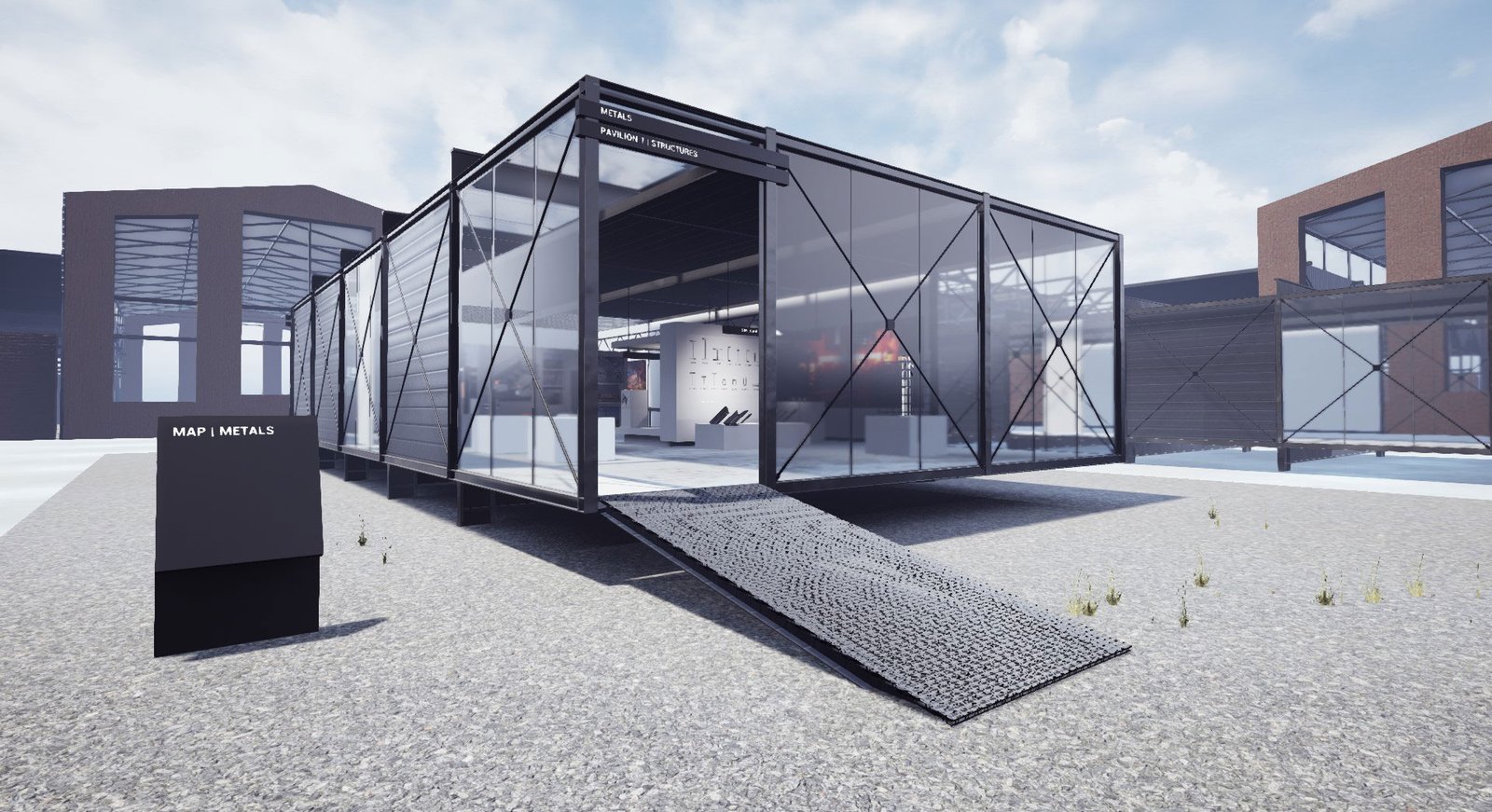
The initial design approach for the Metals module included two fully custom challenges tailored specifically to steel construction:
Light Gauge Steel Framing Challenge
Students selected the correct stud for each step, progressively assembling a 3D steel structure in real time as correct answers were confirmed.
Steel Framing Sizing and Spacing Challenge
Students manipulated sliders to adjust beam and column sizing and spacing, watching the 3D structural model update live. A button allowed them to zoom into the model at 1:1 scale to experience it at human height from the inside.
While compelling, these bespoke challenges posed two significant problems: development time per challenge was prohibitively long given the unique interactions required for each, and user testing revealed that students were struggling to understand how to interact with each new challenge type, adding cognitive load that detracted from learning.
Second Iteration
Standardized Matching Challenge
Based on development learnings and user testing feedback, I designed the standardized Matching Challenge framework as a scalable replacement. A single reusable interaction pattern, placing 3D models onto the correct detail drawing pedestal, could be repeated across all four modules. Faculty could configure and deploy each instance independently, dramatically reducing per-module development time for subsequent modules.
Main Menu Iterations
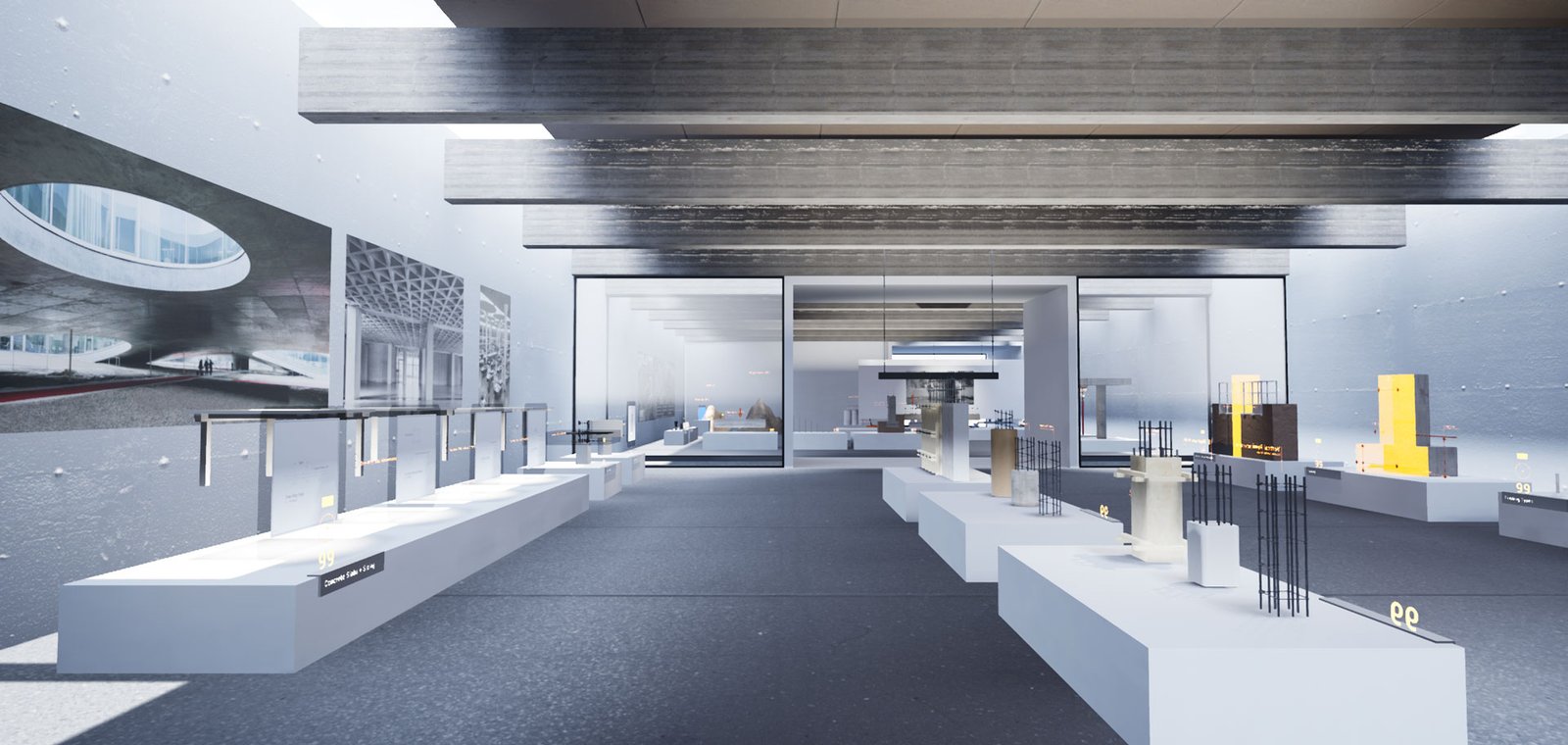
The initial main menu, designed by the faculty, was modeled after the lobby of a modern museum with a grand arch and rich visual detail. While visually striking, user testing revealed that students were getting disoriented and could not easily identify how to enter a module and begin learning.

The redesigned main menu presented a semicircular arrangement of clearly labeled portals to each module and the tutorial, directly in front of the user on entry. Multiple navigation methods were provided simultaneously: point and click selection, teleportation walk-in, and a carousel menu panel. This reduced friction at the most critical moment of the experience, the moment students decide to start.

User Testing
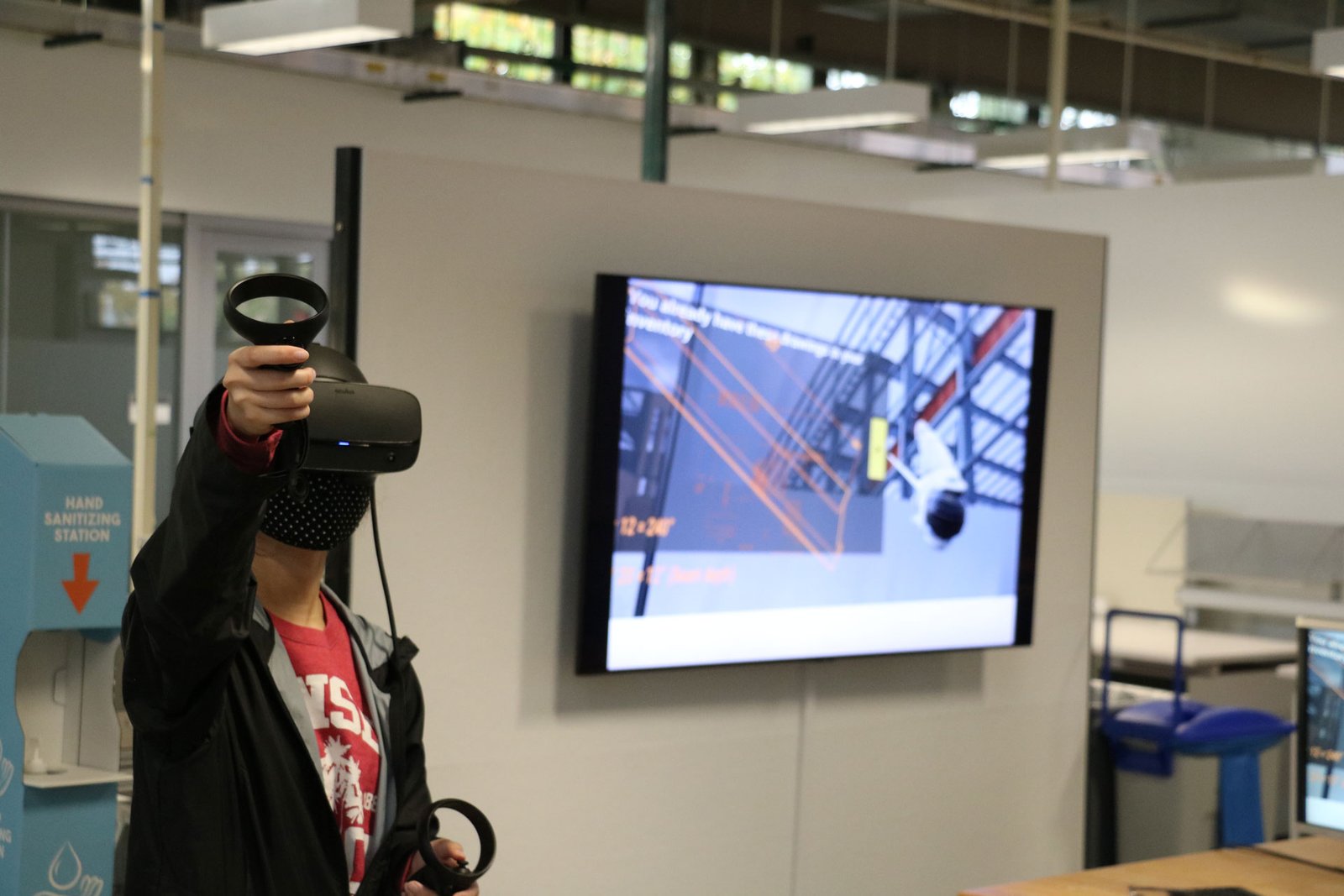
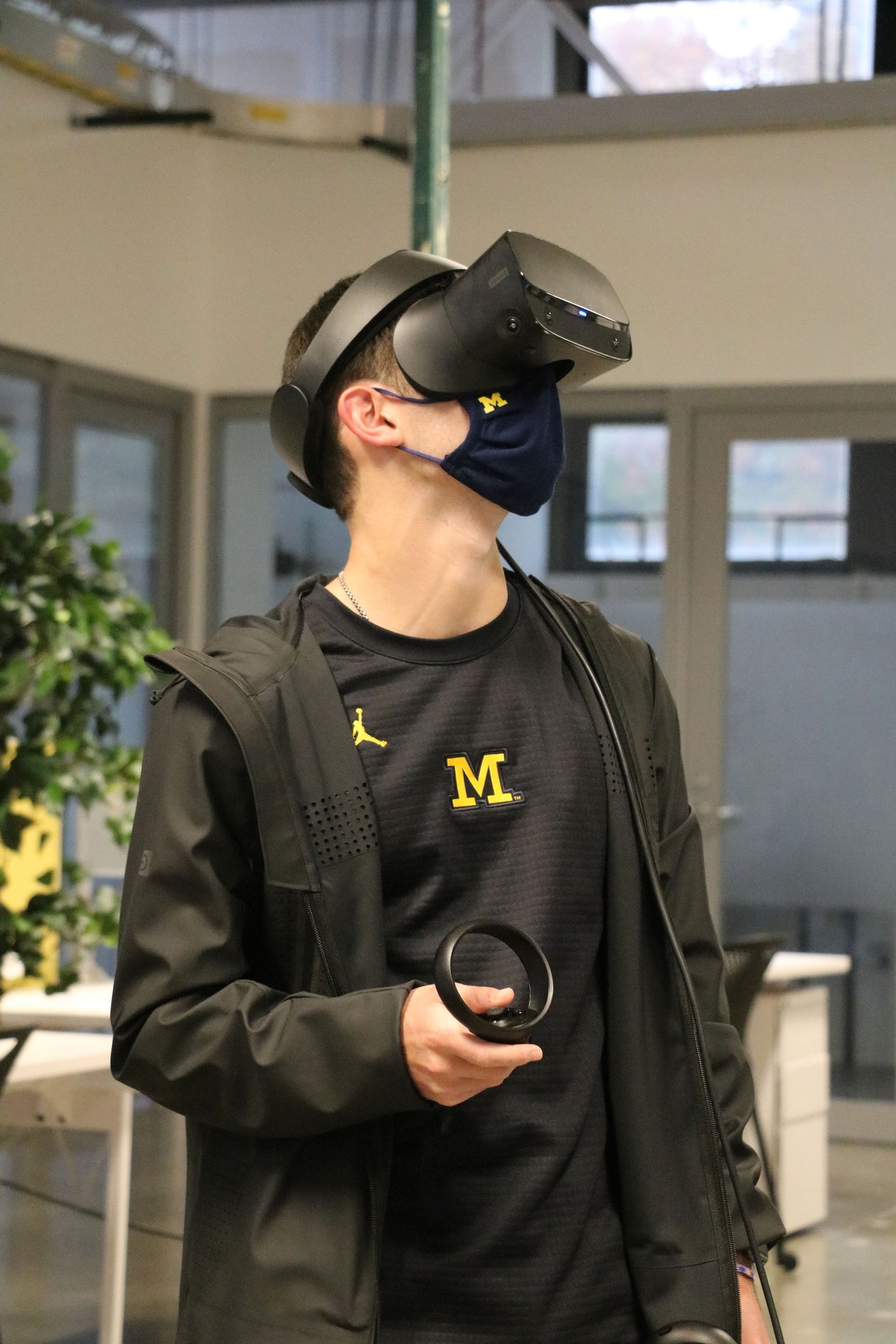
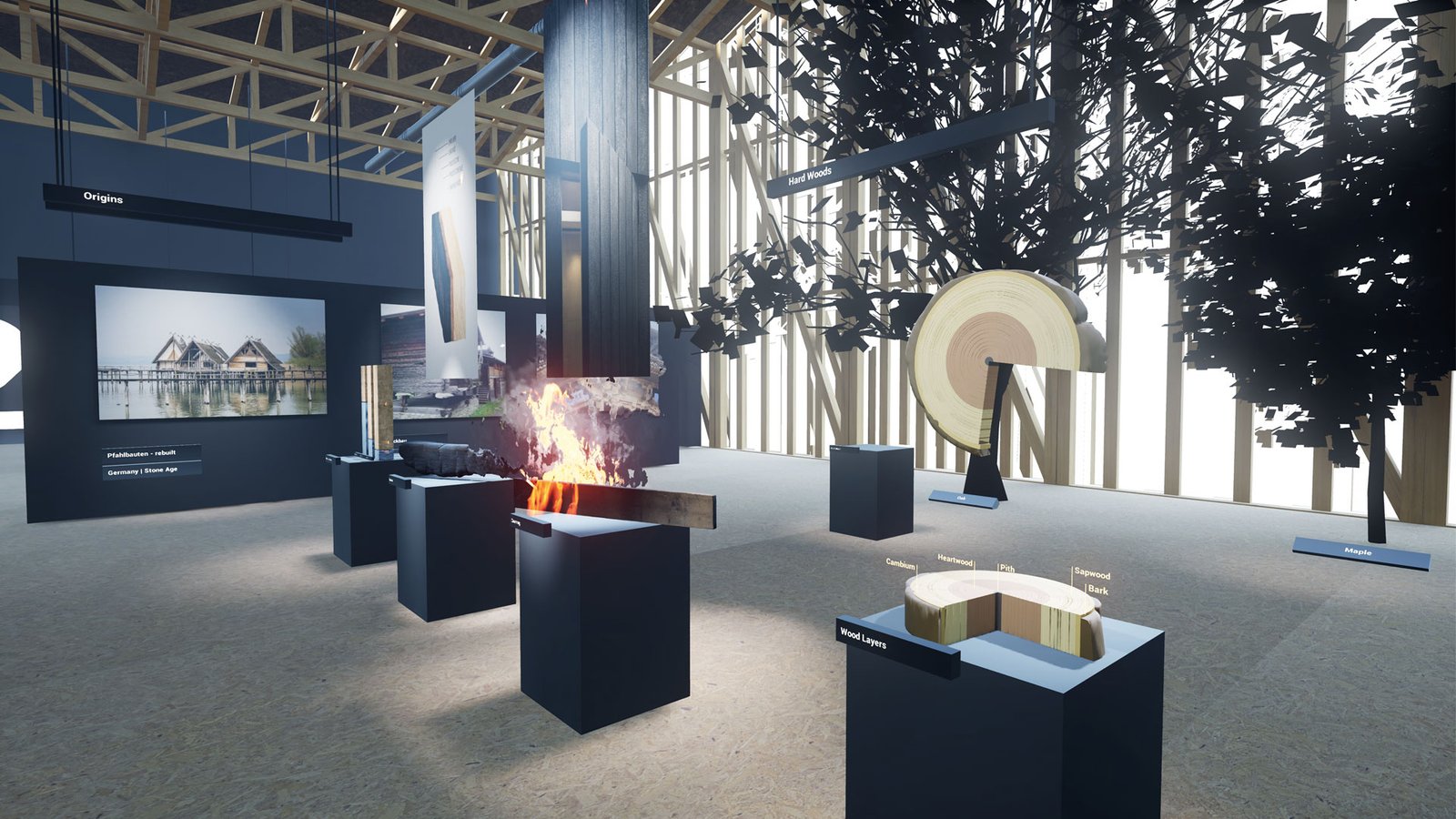
Upon completing the Metals module, we conducted in-person user testing with 8 to 10 architecture students during COVID-19 protocols, staggering individual sessions for safety. Pre and post-experience interviews surfaced two primary issues: wayfinding confusion through the museum environment, and uncertainty about which pedestal audio triggers had already been activated. In response, I renumbered audio trigger buttons sequentially, made activated buttons visually distinct from the environment using a contrasting color, and added a clear visual indicator when audio was actively playing.

Virtual Production Adaptation
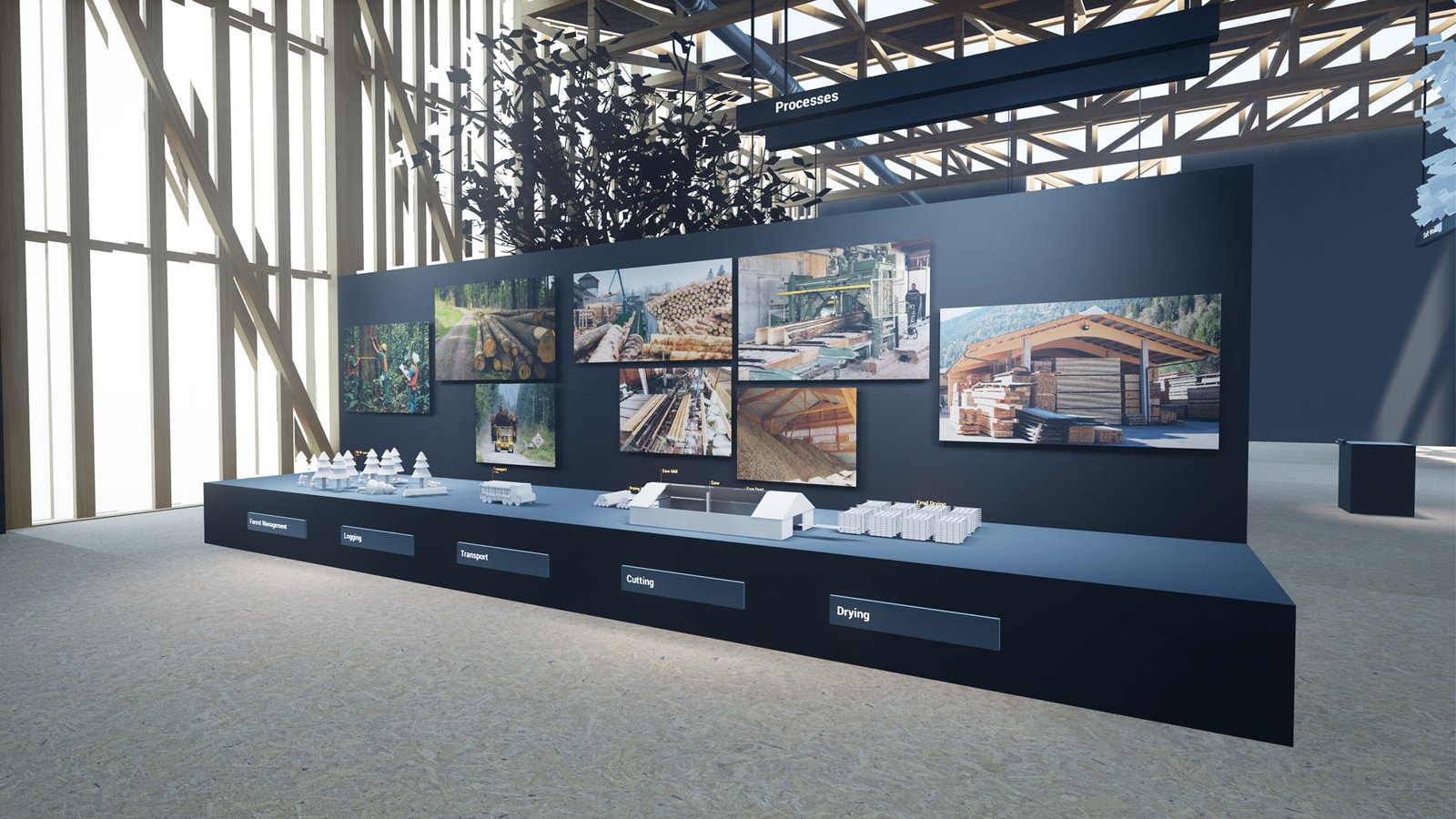
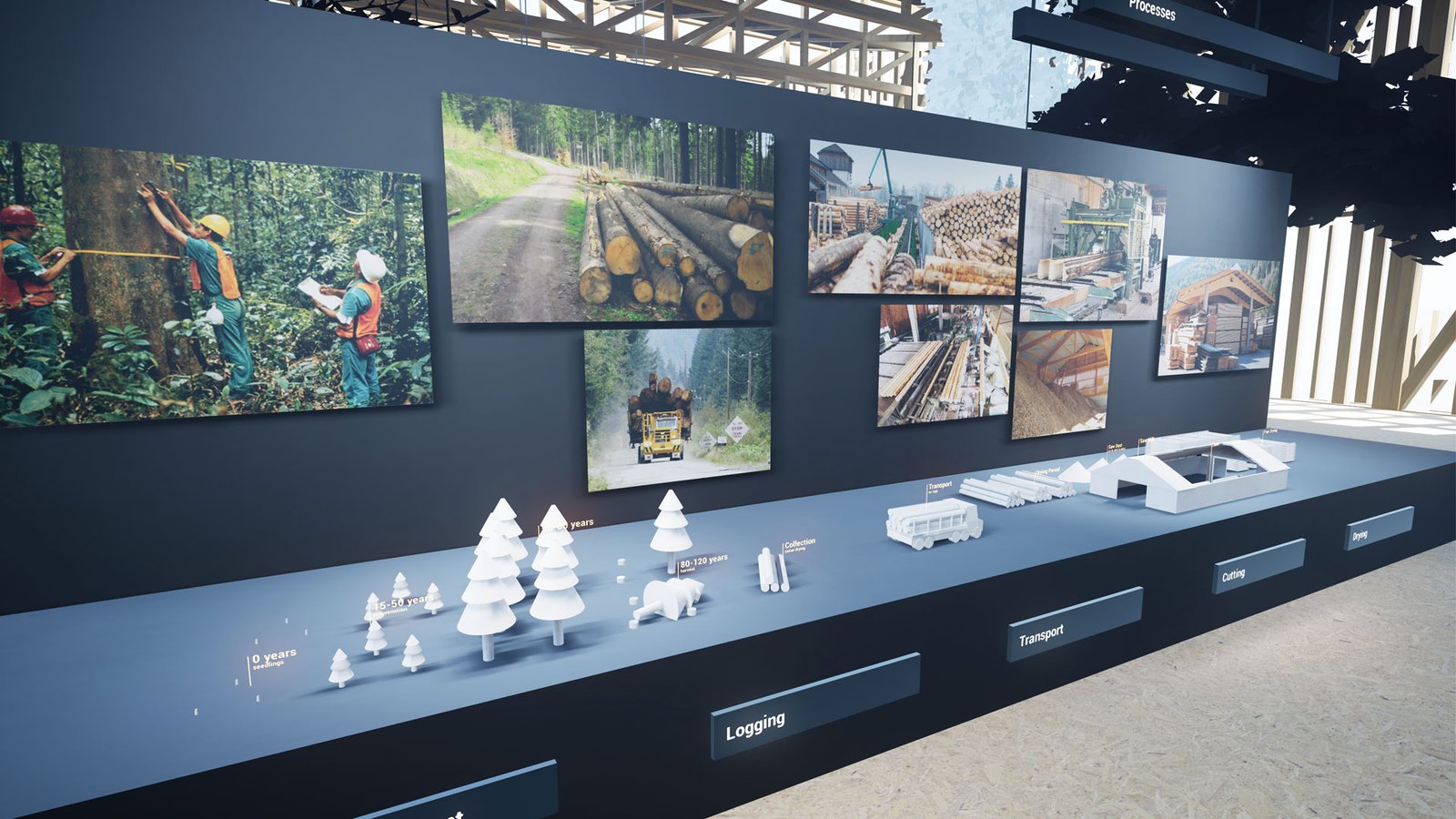
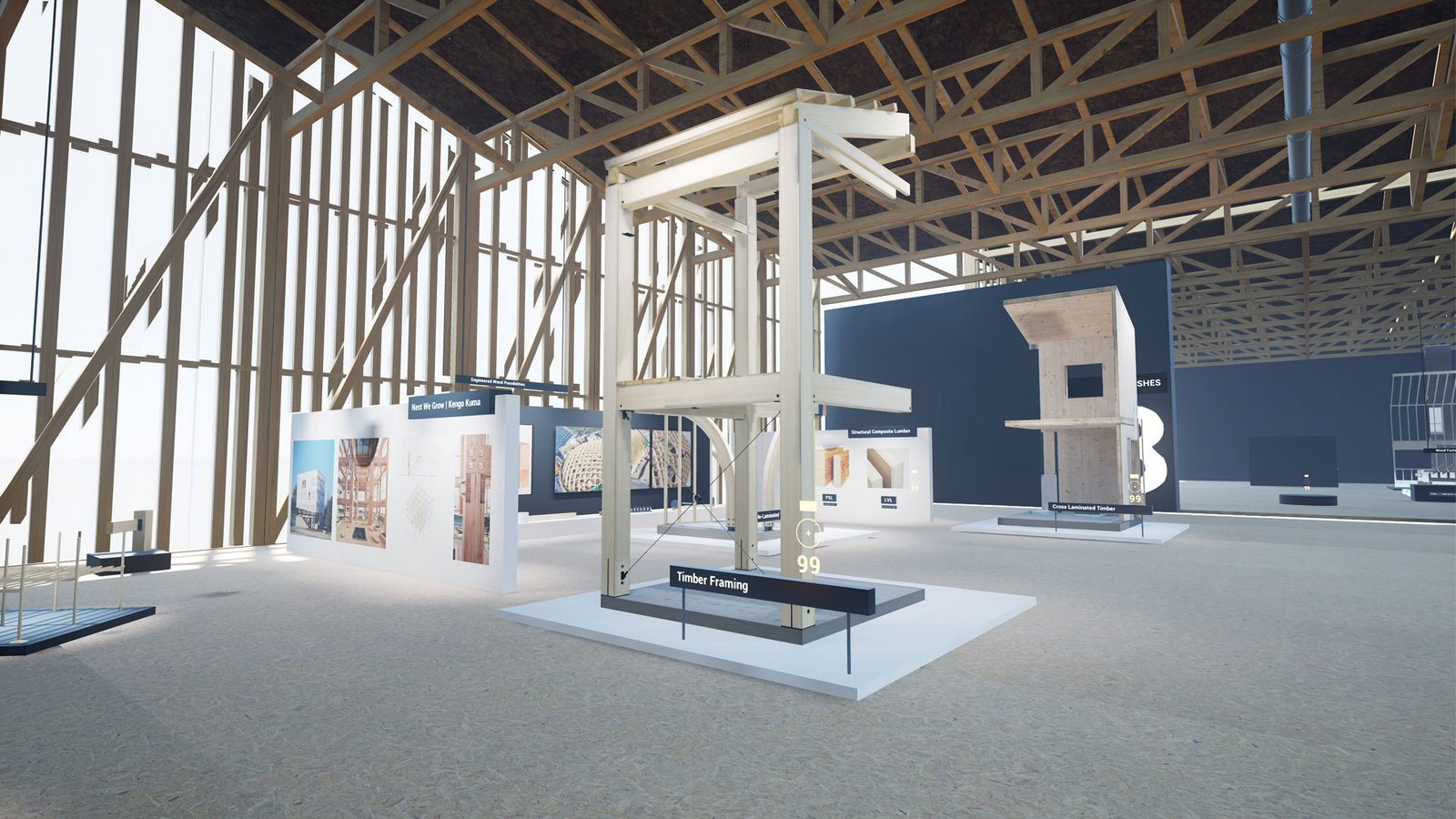
After the core VR experience was complete, we adapted the project for a second immersive format using the university's LED volume XR stage. The Wood module environment was loaded into the Disguise media server pipeline via the Disguise Renderstream plugin, enabling it to be rendered as a photorealistic real-time 3D background on the LED volume for live virtual production.
To support interactive teaching on the stage, we connected Disguise to an iPad application over TouchOSC, allowing faculty to trigger process animations in Unreal Engine in real time during a live demonstration. The stage's BlackTrax real-time tracking system was used to track the faculty member's physical position on stage, feeding that data through Disguise into Unreal Engine to enable the faculty to physically pick up and rotate virtual 3D artifacts as if they were tangible objects, while narrating details live to camera.
The resulting demo video was published to announce the university's new XR stage and was subsequently used to engage faculty across multiple schools and colleges in conversations about incorporating virtual production into online course delivery.
Project Challenges and Solutions
Challenge 1:
Bespoke challenges per module were unsustainable to develop and confusing to users
Solution: Designed a single reusable Matching Challenge framework configurable by faculty without developer involvement
Challenge 2:
Faculty needed to build content without relying on developers
Solution: Engineered all interactive components as configurable Blueprints with exposed parameters, turning complex VR systems into faculty-accessible tools
Challenge 3:
Wayfinding confusion in the museum environment
Solution: Redesigned layout and introduced sequential numbering, color contrast for interactive elements, and audio state indicators
Challenge 4:
COVID constraints limiting group user testing
Solution: Staggered individual user testing sessions to safely collect student feedback
Challenge 5:
Motion sickness and headset accessibility barriers
Solution: Built a full parallel desktop version playable with mouse and keyboard
Challenge 6:
Scaling from one module to four consistently
Solution: Completed deep iteration on the Metals module first, then built reusable systems so subsequent modules could be developed faster with faculty self-service content authoring
Skills Demonstrated
🧱 VR experience design and development for architectural education
🧱 Unreal Engine Blueprint scripting at a systems architecture level
🧱 Data-driven, configurable tool design for non-developer content authors
🧱 Iterative UX design driven by user testing and feedback
🧱 Custom material and shader creation in Unreal Engine
🧱 Interactive quiz and gamification system design
🧱 Accessible design (desktop parity version)
🧱 Virtual Production integration with Disguise, BlackTrax, and TouchOSC
🧱 Real-time 3D performance and live event scripting on LED volume stages
🧱 Technical documentation and developer handoff
Outcomes and Impact
🧱 Deployed as a required component of the A317-417 course curriculum, integrated week by week alongside corresponding lecture content
🧱 Used across multiple semesters and adopted by a second faculty member for a separate construction architecture course
🧱 Served approximately 100 undergraduate and graduate architecture students annually
🧱 Received strongly positive student feedback for enhancing conceptual understanding of construction materials and assemblies
🧱 Successfully adapted into a Virtual Production teaching format, generating institutional interest in LED volume-based course delivery across multiple schools and colleges at the University of Michigan
🧱 Full source code, developer documentation, and instruction manual handed off to faculty for continued independent use and extension
Recognition and Usage
The project was formally incorporated into the A317-417 course curriculum at the Taubman College of Architecture and Urban Planning. The Virtual Production adaptation was featured in a university news article announcing the Center for Academic Innovation's new XR stage and served as a proof-of-concept that drove faculty outreach across departments for virtual production in online learning.
Project Reflection
Augmented Tectonics reinforced a lesson that guides my approach to every XR project: the most sophisticated technology is only as valuable as the experience it creates for the person using it. The most impactful decisions on this project were not the most technically ambitious ones. They were the choices to standardize interactions, strip back the main menu, number the buttons, and build systems that faculty could use without asking for help.
This project also demonstrated that immersive environments built for one platform carry significant untapped potential. The same Unreal Engine assets that served as a VR headset experience were later transformed into a live virtual production stage performance with real-time interactivity. As the boundaries between XR, virtual production, and interactive media continue to converge, I see significant opportunity to build modular, multi-format immersive content pipelines that can serve learners, audiences, and storytellers across many simultaneous platforms.